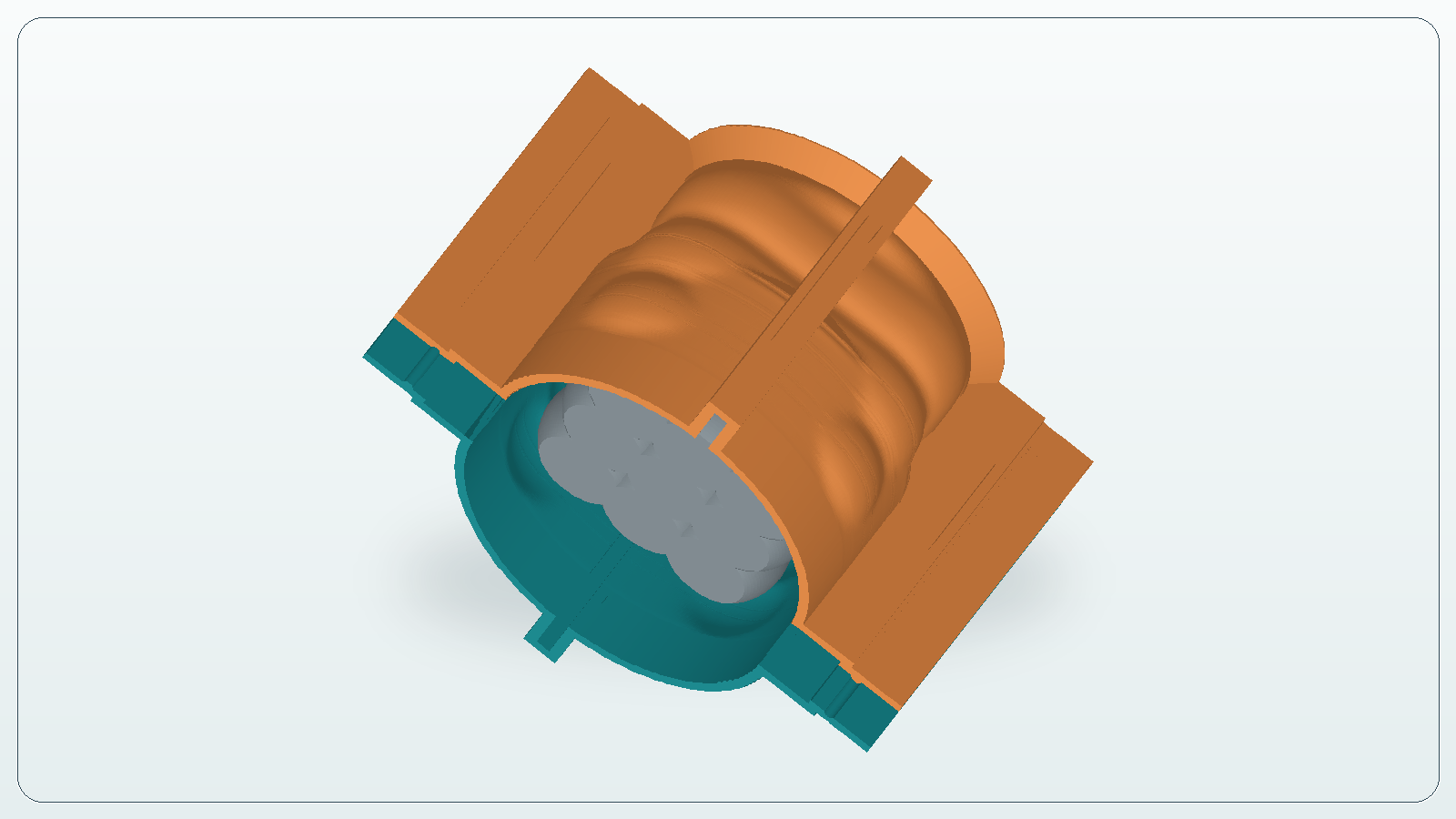
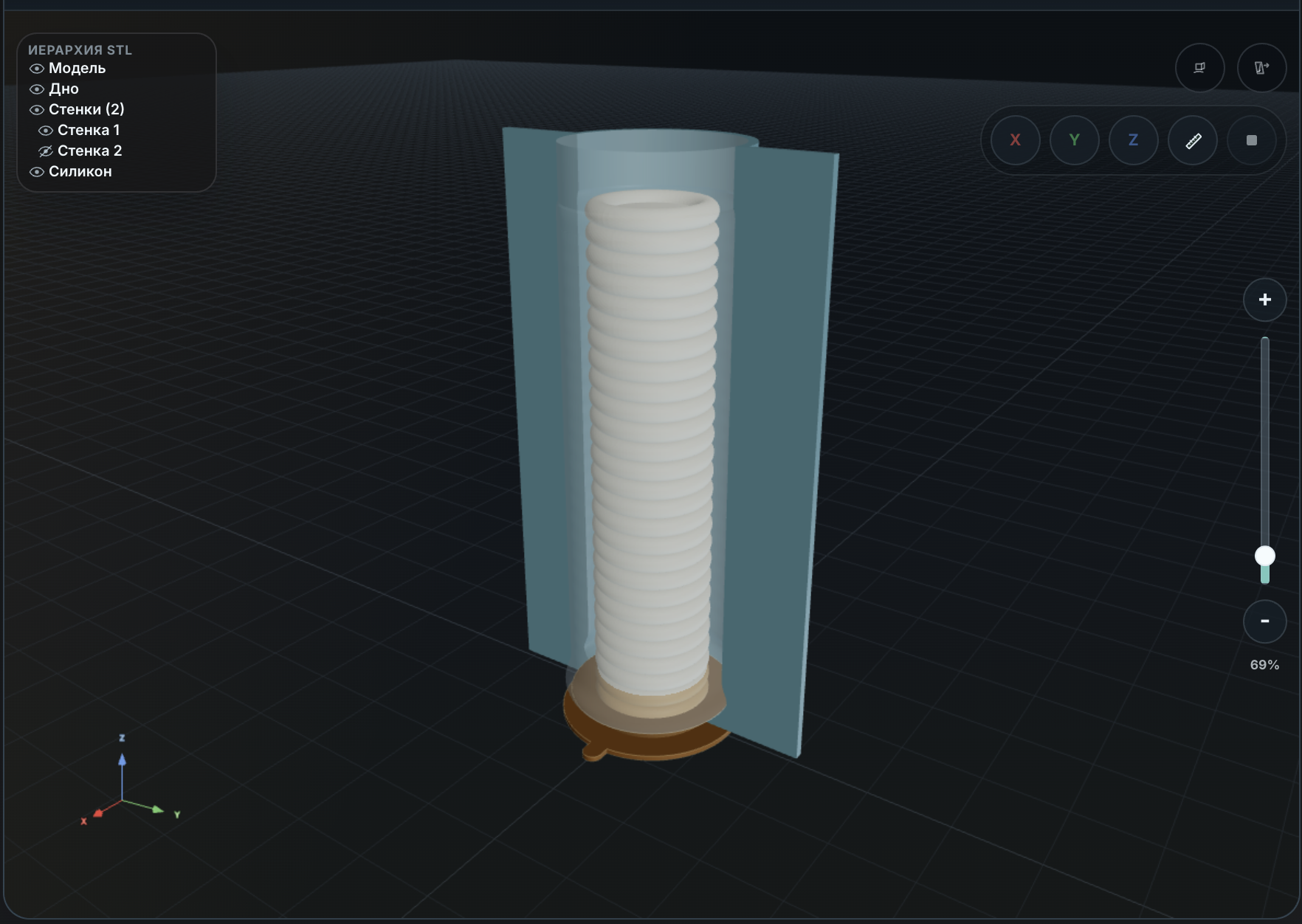
Guides and walkthroughs for turning STL models into printable silicone mold formwork.
Where to start
If you already have an STL and need printable formwork for a silicone mold, do not start by
guessing settings. First define the casting task: what you want to pour, where the bottom of
the form should be, how the master will release from silicone, and which rigid formwork parts
must be printed. For a first pass, choose a simple model with a clear flat base instead of a
detailed shape with deep locking undercuts.
The basic workflow is: open the STL, check scale and components, choose the bottom plane, set
silicone thickness and printed wall thickness, build the formwork, inspect intersections, and
only then export files to the slicer. The overall software workflow is covered in
the STL formwork software lesson, and the practical sequence is
shown in the candle formwork example.
Scenarios and checks
Different models need different review: a build button cannot replace manufacturing judgement.
Candles
For candles, the usual concerns are a flat bottom, stable pouring position, and enough
silicone around the relief. If the model is a compact decorative candle without deep
pockets, start with the mini-candle lesson: it shows bottom
selection, thickness settings, and a two-section wall result.
Figures
Figures often include arms, tails, sharp protrusions, and overhanging details. Before
building formwork, check whether the master can release from silicone without tearing the
mold. Sometimes the right step is to simplify the source model or change the parting
strategy before generating wall sections.
Master Models
Master models depend on scale, surface quality, and print material. Even when an STL is
readable, a resin print that was poorly washed or under-cured can interfere with silicone
curing. Check geometry and preparation first, then use the questions
page for common access, export, and model-preparation details.
Simple Forms
Simple forms are the best way to validate the workflow: one object, a clear bottom plane,
no stray components, and no hard undercuts. These models make it easier to understand how
CraftMold builds the bottom, walls, sections, and export before you move to expensive
masters or a larger batch.
Why an STL does not guarantee castability
STL describes a surface, not your casting plan. The file may not contain reliable units,
release direction, acceptable undercuts, parting-line intent, master-model material, or
pouring method. The same file can print as a decorative object but still be a poor basis for
a silicone mold.
CraftMold helps generate printable formwork, but it should not hide physical constraints. If
the model has loose shells, a broken mesh, thin overhangs, or relief that locks into silicone,
fix that before export. Start with the lessons below, then check /questions
for access, calculation, limitation, and model-preparation answers.
Using a small candle STL, we show how to prepare a printable mold box for a silicone mold and what to check before slicing.
Cookies and similar technologies
We use required cookies and localStorage for site operation, sign-in, security, and remembering your choice.
Yandex Metrika and the VK pixel (Top.Mail.Ru) are enabled only with your consent.